IPTV Guides Canada: Smart TV Setup, Apps & Troubleshooting
Explore practical IPTV guides for Canada covering Smart TV setup, compatible media-player apps, device compatibility, network configuration and troubleshooting. Start with your television or streaming device, then follow the guide that matches your operating system and setup.
CanadaNIPTV covers Samsung Tizen, LG webOS, Android TV, Google TV, Fire TV and popular IPTV player applications while clearly separating the media player from the external content source.
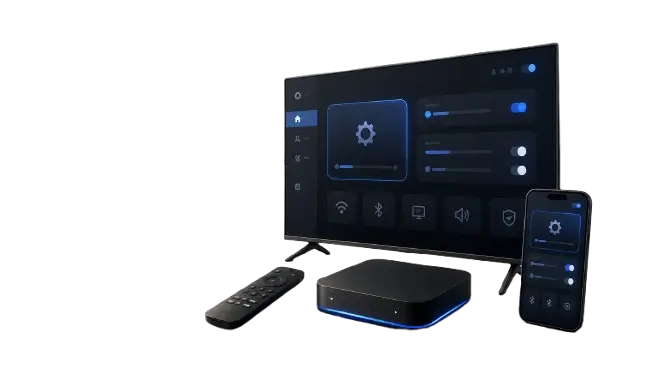
Find the Right IPTV Guide for Your Setup
Not every Smart TV uses the same operating system or installation method. Choose the topic that matches what you need: install a player, identify your television platform, improve your network or diagnose a problem.
INSTALLATION
IPTV Installation Guides
Step-by-step IPTV setup guides for compatible Smart TVs, streaming devices and media-player applications.
- Smart TV installation
- Player app setup
- M3U and supported login formats
SMART TV
IPTV Guides for Smart TVs
Identify your television platform and follow setup instructions designed for the operating system actually running on your TV.
- Samsung Tizen
- LG webOS
- Smart TV compatibility
ANDROID TV
Android TV & Google TV IPTV Guides
Learn how compatible media players work on Android TV and Google TV devices, including installation through supported app stores.
- Android TV setup
- Google TV setup
- Player compatibility
APPS
IPTV Player App Guides
Learn how popular media-player applications work, which devices they support and how their configuration methods differ.
- IBO Player
- IPTV Smarters Pro
- HotPlayer
- TiviMate
NETWORK
Wi-Fi, Ethernet & Smart TV Network Guides
Improve your Smart TV connection and understand how Wi-Fi frequency, Ethernet, router placement and signal quality can affect playback.
- Wi-Fi vs Ethernet
- 2.4 GHz vs 5 GHz
- Smart TV connection tests
TROUBLESHOOTING
IPTV Troubleshooting Guides
Diagnose common player, device, login, network and playback problems without guessing which component is responsible.
- Black screen
- App not loading
- Login and playlist problems
INSTALLATION
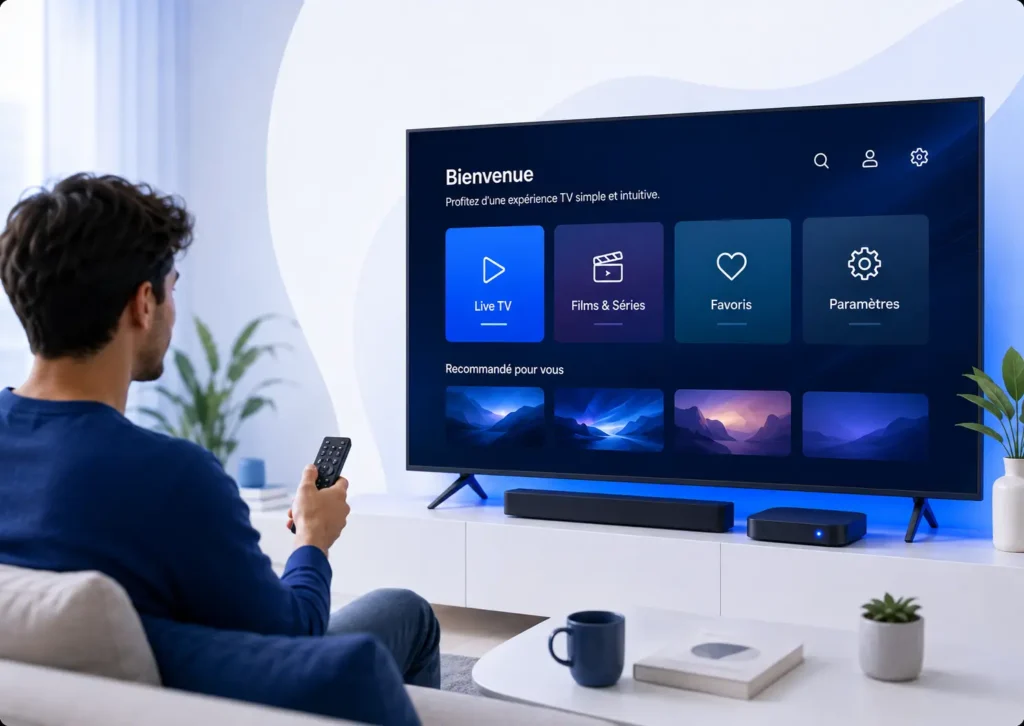
IPTV Setup Guide Canada: Start With Your Device
The correct IPTV setup depends on the operating system running on your television or streaming device. Samsung Tizen, LG webOS, Android TV, Google TV and Fire TV use different app stores and installation methods, so begin by identifying your platform before choosing a player.
A typical setup involves installing a compatible media player, opening the application and adding information supplied by an external source you are authorized to use. The exact steps vary by app and device.
- Identify your TV or streaming device
- Check the operating system
- Find a compatible player in the official store
- Install and open the player
- Add your authorized external source
- Test playback and network connection
Smart TV
Setup and compatibility help for Samsung Tizen, LG webOS and other television platforms.
Android TV
Installation, app compatibility and troubleshooting for Android-based televisions and streaming devices.
Applications IPTV
Learn how different player apps work, what platforms they support and how configuration differs.
DEVICE COMPATIBILITY
IPTV Player Compatibility by Smart TV Platform
One application does not automatically work on every Smart TV. Compatibility depends on the operating system, app-store availability, software version, television model and sometimes the user’s region.
Samsung Smart TV
Typically uses Tizen. Android APK files are not native Tizen applications.
LG Smart TV
Uses webOS. Compatible applications should normally come from the LG Content Store when available.
Android TV
Uses Google’s Android TV environment and usually installs supported applications through Google Play.
Google TV
Built on Android TV technology with its own interface and application availability.
Fire TV
Uses Amazon’s Fire OS and has a separate installation ecosystem.
Then:
Check the platform first. Do not apply Android instructions to Samsung Tizen or LG webOS simply because all three devices are Smart TVs.
NETWORK & TROUBLESHOOTING
IPTV Network and Troubleshooting Guides
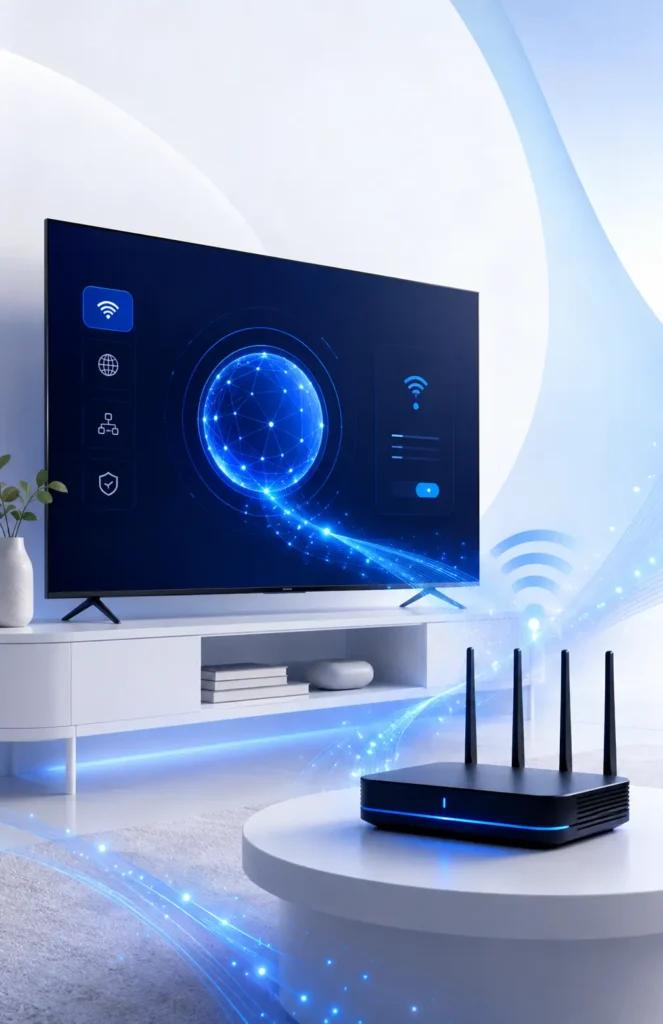
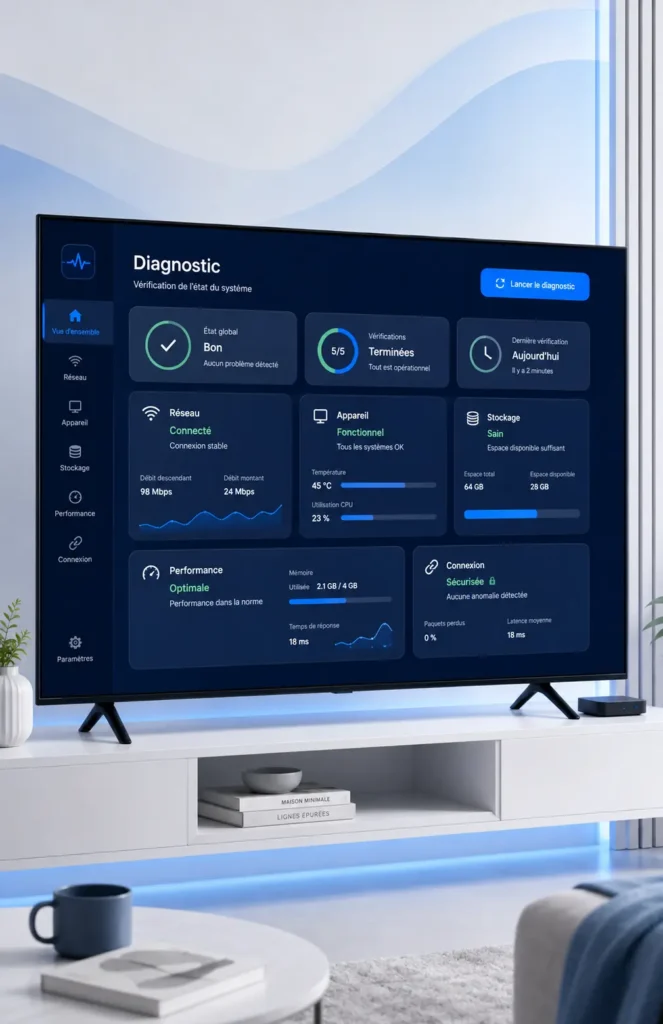
A playback problem is not always caused by the IPTV player. Device performance, Wi-Fi signal quality, router configuration, credentials, application state and the external source can all produce similar symptoms.
✓ Test whether other apps have Internet access
✓ Compare Wi-Fi and Ethernet when possible
✓ Check 2.4 GHz vs 5 GHz Wi-Fi
✓ Restart the television, player and router
✓ Verify login information carefully
✓ Determine whether the issue affects one source or the whole app
RESPONSIBLE USE
Use IPTV Players and Playlists Responsibly
IPTV media players are software tools and generally do not provide television channels or content by themselves. Use streams, playlists and services only when you have the appropriate rights or authorization to access them.
- Verify the application before installation
- Prefer official app stores or developer sources
- Keep passwords and access information private
- Avoid unknown APK download websites
- Respect applicable rights and service terms
Latest IPTV Guides for Canada
Browse our newest Smart TV, media-player, device compatibility, networking and troubleshooting guides.
Installation, compatibility, network setup and troubleshooting: explore our regularly updated resources.
Looking for CanadaNIPTV solutions?
Explore our available options and find the solution that best matches your device and setup.
EXPLORE OUR OFFERSFind the Guide That Matches Your Device
Browse CanadaNIPTV by Smart TV platform, media-player application, network issue or troubleshooting problem.