IPTV Canada: Smart TV Setup, Compatibility & Troubleshooting
Looking for clear information about IPTV in Canada? CanadaNIPTV helps you understand how IPTV works on Smart TVs, choose a compatible media-player app, identify your television platform and troubleshoot common setup, network and playback issues. Our guides cover Samsung, LG, Android TV, Google TV and Fire TV while clearly separating the player application from the content source.



PLAYER APPS • SETUP •
TROUBLESHOOTING



What Is IPTV in Canada and How Does It Work?
IPTV, or Internet Protocol Television, is a method of delivering audiovisual media over IP networks rather than relying only on traditional broadcast technologies. In Canada, IPTV can refer to different types of services and technologies, from authorized television platforms to media-player applications that read an external source.
$124
12 Months
A balanced annual plan to enjoy the service for a full year with a single subscription.
- Access prepared after verification
- 7-day guarantee, subject to conditions
- Secure PayPal payment
$229
24 Months
The long-term plan offering the best value for duration and price while avoiding frequent renewals.
- Access prepared after verification
- 7-day guarantee, subject to conditions
- Secure PayPal payment
$94
6 Months
A flexible plan to enjoy the service for six months without committing to a longer period.
- Access prepared after verification
- 7-day guarantee, subject to conditions
- Secure PayPal payment
On a Smart TV, the setup normally involves three separate elements: your device, a compatible player application and the content source you are authorized to access. Understanding that separation makes installation and troubleshooting much easier.
IPTV Canada Smart TV Setup: Start With Your Device
The correct IPTV setup in Canada depends primarily on the device and operating system you use. Samsung televisions commonly use Tizen, LG televisions use webOS, while many Sony, TCL, Hisense and other devices may run Android TV or Google TV. Fire TV follows a different installation path again.
Samsung & LG Smart TV
Learn how to identify Tizen or webOS, find compatible player apps in the official TV store and understand the limitations of each platform.
Android TV & Google TV
Find compatible apps through Google Play, check your Android or Google TV version and follow device-specific setup instructions.
Choose the Right IPTV Setup for Your Smart TV
Une configuration IPTV repose sur trois éléments différents : l’appareil, le lecteur et la source. Les distinguer permet de choisir une application adaptée et de diagnostiquer plus facilement un problème.
1. Identify your platform
Check your television model, operating system and software version before choosing an application.
2. Choose a compatible player
Compare media-player applications based on the platform you actually use rather than installing an unsupported Android app on another operating system.
3. Add your authorized source
Once the player is installed, follow its supported configuration method using information supplied by the source you are authorized to access.
IPTV in Canada: Player Apps and Content Sources Are Different
An IPTV player is software. It does not automatically provide television channels, films, sports or subscriptions. The application simply reads a compatible external source supplied separately. CanadaNIPTV focuses on the technology, device compatibility, installation and troubleshooting of these players.
- Player app ≠ content provider
- Availability varies by device and region
- Use only sources you are authorized to access
Check IPTV Compatibility Before You Install an App
Before following any IPTV Canada setup guide, identify the platform running on your television or streaming device. Two TVs that look similar can use completely different operating systems and app stores.
- Find your TV brand and model
- Check the operating system
- Check the software version
- Confirm app availability in Canada
- Use the official app store when possible
- Verify that the guide matches your platform
IPTV Canada Guides by Device and Operating System
Different Smart TV platforms require different installation methods. Use our device-specific IPTV guides rather than applying Android instructions to Samsung Tizen, LG webOS or Fire TV.
- IPTV on Samsung Smart TV
- IPTV on LG Smart TV
- IPTV on Android TV
- IPTV on Google TV
- IPTV on Fire TV / FireStick
- IPTV player compatibility
Explore IPTV Player Apps for Smart TVs
IPTV media players vary by operating system, regional store availability and supported login formats. Our guides explain what each application does, where it can be installed and how configuration works.
- IBO Player
- IPTV Smarters Pro
- HotPlayer
- TiviMate
Fix Common IPTV Problems on Smart TVs
When an IPTV player stops working, the cause may be the application, device, network, configuration or external source. Start by identifying which part of the setup is failing.
Improve Your Smart TV Connection for IPTV
Network quality can affect playback even when your IPTV player is configured correctly. A wired Ethernet connection can offer greater consistency, while properly configured Wi-Fi may also perform well depending on router placement, frequency band and signal strength.
- Ethernet vs Wi-Fi
- 2.4 GHz vs 5 GHz
- Router placement
- Smart TV signal quality
- Connection tests
- Restart sequence
Use IPTV Technology Responsibly in Canada
IPTV is a delivery technology that can be used in different ways. CanadaNIPTV provides educational information about compatible devices, media-player applications, installation, networking and troubleshooting. Use streams, playlists and services only when you have the appropriate authorization to access them.
- Official app sources
- Authorized content
- Device-specific guidance
IPTV Canada FAQ
Answers to common questions about IPTV in Canada, Smart TV compatibility, player applications, installation and network configuration.
01
What is IPTV in Canada?
IPTV refers to television or audiovisual media delivered using Internet Protocol networks. Different authorized services can use IPTV technology, while separate media-player applications can also read compatible external sources.
02
Can I use IPTV on a Smart TV?
Many Smart TVs can run compatible media-player applications, but availability depends on the television brand, operating system, software version, model year and region.
03
How do I set up IPTV on a Smart TV in Canada?
Start by identifying your TV operating system, find a compatible player in an official app store when possible, install it and configure it using information supplied by a source you are authorized to access.
04
Which IPTV player works on Samsung Smart TV?
Availability varies by Samsung model, Tizen version and region. Check the Samsung app store on the television itself and verify that any guide you follow specifically supports Tizen.
05
Does an IPTV player include channels or subscriptions?
No. A media-player application and the content source are separate. Installing a player does not automatically provide channels, films or a television subscription.
06
Is Ethernet better than Wi-Fi for IPTV on Smart TV?
Ethernet can provide a more consistent connection when the television and router support it. Properly configured Wi-Fi can also work well depending on signal quality, router placement and the device.
07
Why is my IPTV app not working?
Problems can originate from the player application, device, network, configuration, media format or external source. Test each component separately to identify the cause.
Explore our installation, compatibility and troubleshooting guides for Smart TVs and connected devices.
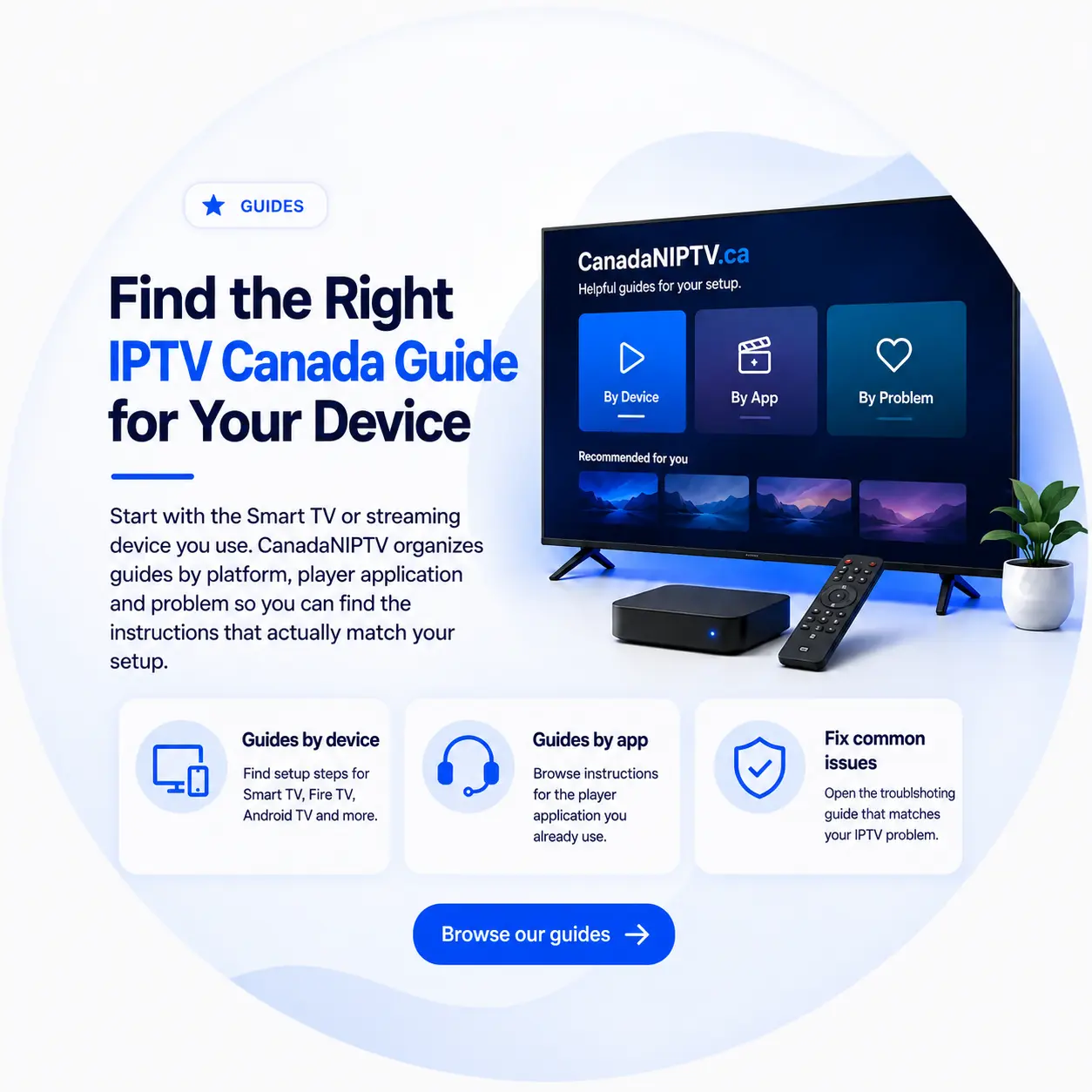
Find the Right IPTV Canada Guide for Your Device
Start with the Smart TV or streaming device you use. CanadaNIPTV organizes guides by platform, player application and problem so you can find the instructions that actually match your setup.